Short answer
The best IPTV player for most people is TiviMate on Android and Fire devices — the smoothest interface and the best EPG, though the good features need its paid Premium tier. IPTV Smarters Pro is the best free all-rounder and works on nearly every platform including iPhone. On Apple, many people prefer iPlayTV or Smarters Player Lite. All of them work with your StrimoIPTV login — the player is your choice, not ours.
You can put the exact same subscription into two different player apps and have two completely different experiences. The box gets discussed endlessly; the app that runs on it gets ignored — and it decides how IPTV actually feels day to day.
What an IPTV Player Actually Does
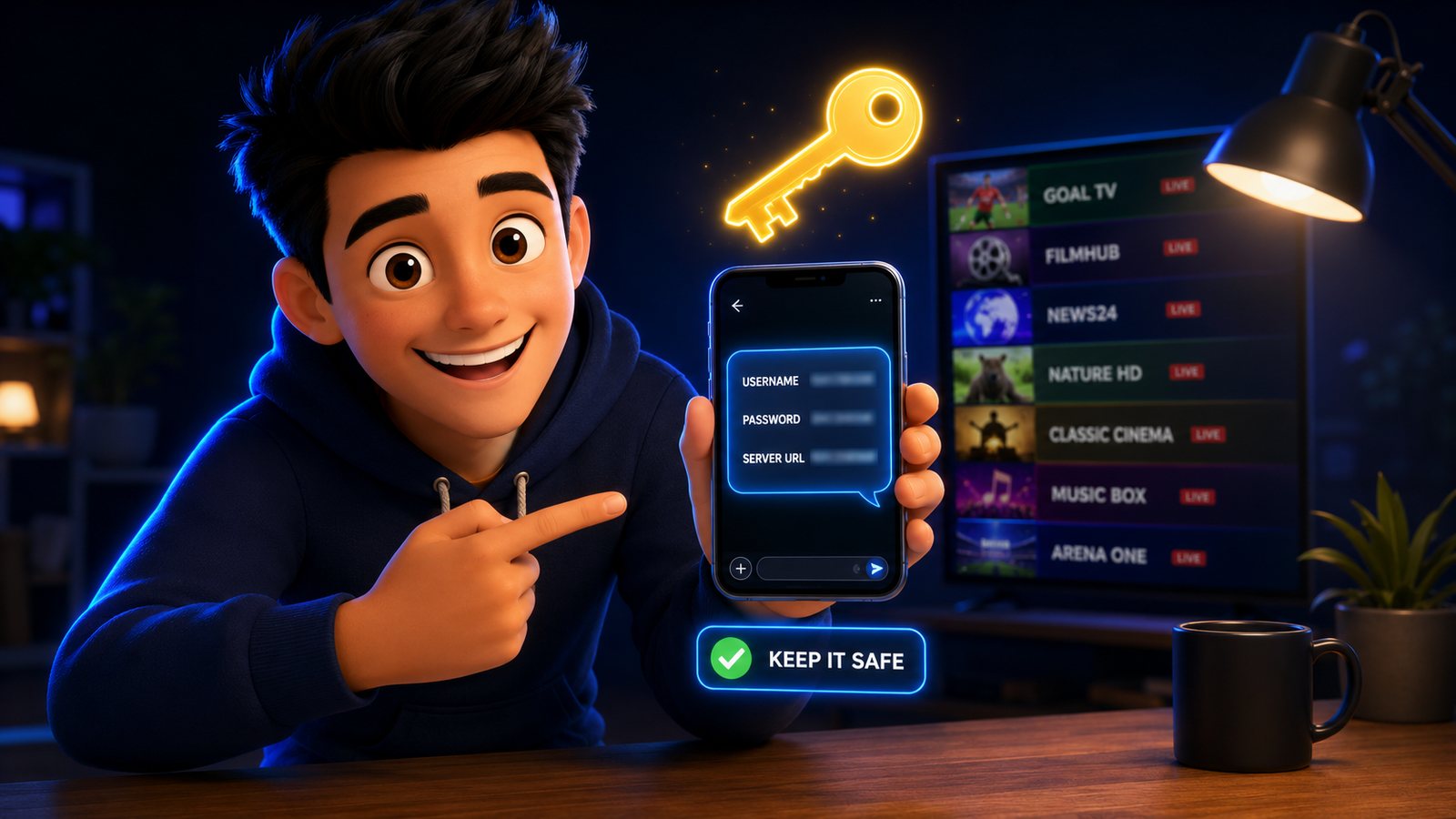
Your StrimoIPTV subscription is not an app. It is a login — a username, a password and a server URL. The player is the app you pour that login into, and it builds everything you see: the channel list, the TV guide, the on-demand library, the recordings. Change the player and you change the whole feel without touching the subscription.
That is why “which app is best” is a real question with a real answer, and why the answer depends on your device. Four things separate a good player from a frustrating one:
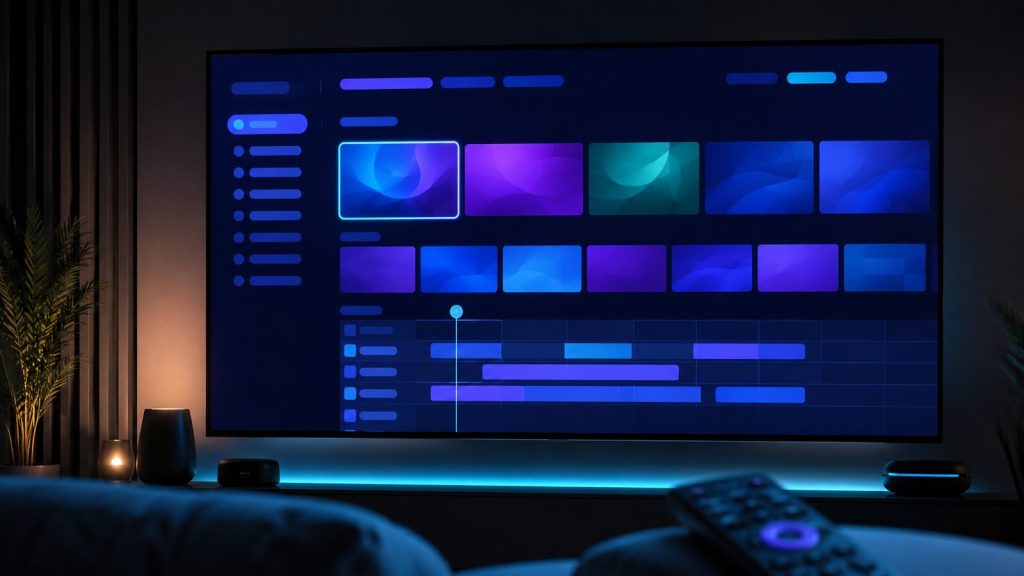
- A clean, fast EPG. The electronic programme guide is the grid of what’s on now and next. A good one loads instantly and looks like a real TV guide; a bad one is slow and half-empty.
- Smooth channel switching. The gap between pressing a number and the stream appearing (zapping speed) is what makes a player feel like TV rather than a website.
- Recording and catch-up, if you want them. Some players record live TV to the device or a drive. Not everyone needs it, but if you do, it narrows the list fast.
- The right platform. The best Android player may not exist on iPhone at all. Your device decides your shortlist before anything else does.
The Players, Compared
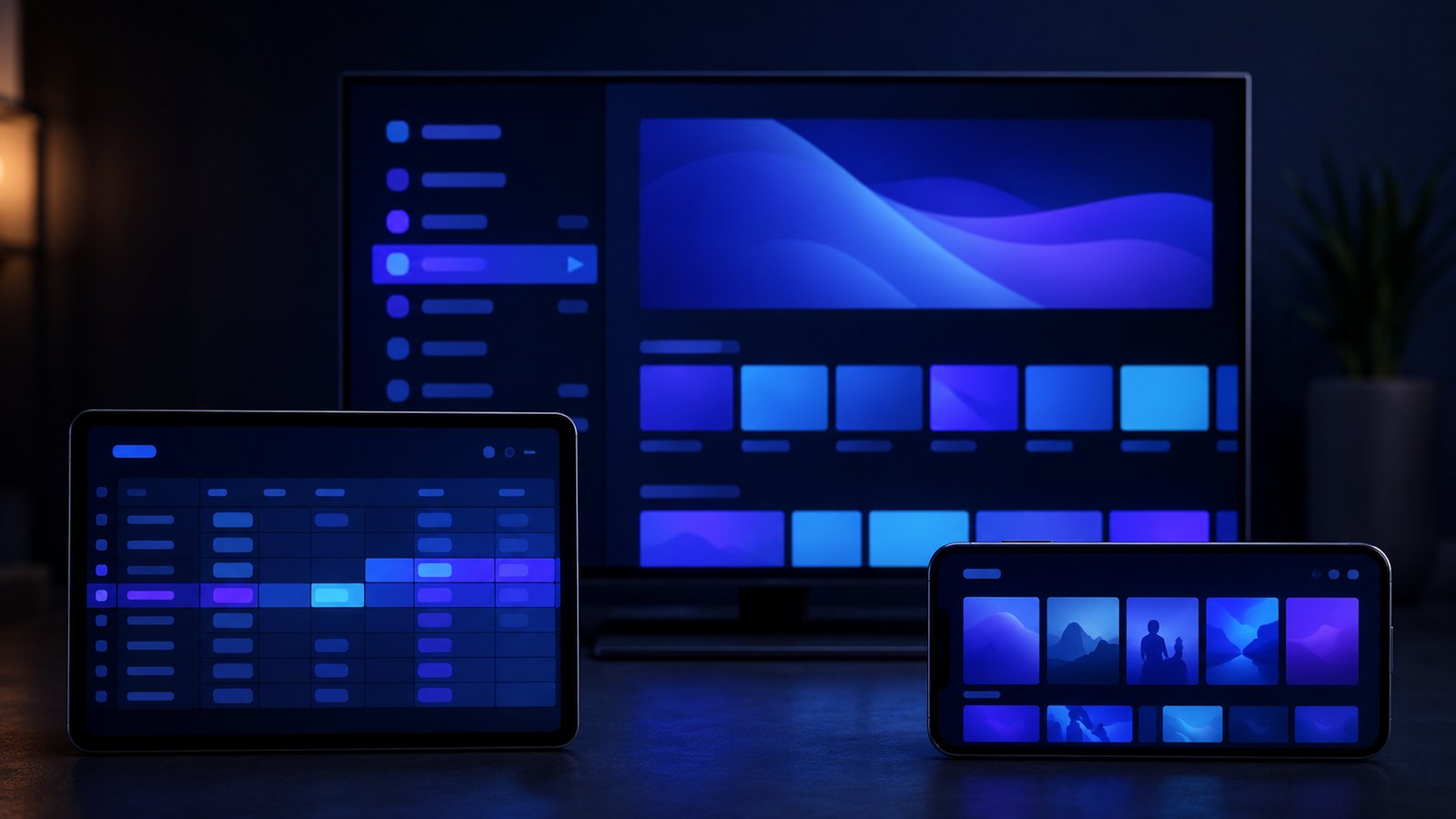
Here is the honest shortlist, what each costs, and where it runs. Every one of these accepts an Xtream Codes or M3U login, so all of them work with StrimoIPTV.
| Player | Platforms | Price | Best for |
|---|---|---|---|
| TiviMate | Android, Fire TV, Android TV | Free / Premium ~$6/yr | Best overall interface and EPG |
| IPTV Smarters Pro | Almost everything, incl. iOS | Free | Best free all-rounder |
| XCIPTV | Android, Fire TV, iOS | Free / paid unlock | Feature-packed alternative |
| iPlayTV | iPhone, iPad, Apple TV | One-time ~$5 | Best on Apple |
| Smarters Player Lite | iOS, Apple TV | Free | Simple, reliable on Apple |
TiviMate — the best overall
On Android and Fire devices, nothing else feels as much like real television. The EPG is the best in the business, the interface is clean, channel switching is fast, and the Premium tier adds multiple playlists, recording, and a picture-in-picture mode. The free version is genuinely usable, but the features people love live behind Premium, which costs a few dollars a year. The one real limitation: there is no iPhone version, so Apple users have to look elsewhere.
IPTV Smarters Pro — the best free all-rounder
This is the app we point most new customers to, because it runs almost everywhere — Firestick, Android, iPhone, iPad, Windows, Mac — and it is free. Live TV, a full EPG, and the on-demand movie and series library all sit in one clean layout. It is not quite as slick as TiviMate on Android, but it is close, it costs nothing, and it is the safest first choice on any device.
XCIPTV — the feature-packed alternative
XCIPTV does a lot: multi-screen viewing, catch-up, external player support and heavy customisation. If TiviMate feels too locked down or you like tweaking every setting, XCIPTV is the power-user’s playground. The trade-off is that all those options make it busier and a little less beginner-friendly.
iPlayTV and Smarters Player Lite — the best on Apple
Apple is where TiviMate can’t help you, so the shortlist changes. iPlayTV is a polished, one-time-purchase app that many iPhone and Apple TV users rate as the best on the platform. Smarters Player Lite is the free, simple option that just works. Between them, Apple users are well covered even without TiviMate.
Pick by your device, not by the hype. The best player is the best one that runs on the screen in front of you. On a Firestick or Android box, try TiviMate. On an iPhone or Apple TV, try iPlayTV or Smarters Player Lite. On anything, IPTV Smarters Pro is the reliable free default.
TiviMate vs IPTV Smarters: the Real Difference
This is the matchup people actually search, so here is the straight version. Both play your channels perfectly. The difference is polish and platform.
TiviMate wins on feel. The EPG is faster and better-looking, the layout is more customisable, and recording is more capable — but only once you pay for Premium, and only on Android or Fire devices. IPTV Smarters Pro wins on reach and price: it is free, it runs on iPhone and desktop where TiviMate does not, and it puts your movie and series library front and centre in a way TiviMate treats as secondary.
If you are on a Firestick and willing to spend a few dollars a year, TiviMate Premium is the nicer daily experience. If you want free, or you are on Apple, or you watch a lot of on-demand films, IPTV Smarters Pro is the better fit. Neither is a wrong answer.
M3U or Xtream Codes: Pick the Right Login
Every player offers two ways to add your subscription, and the choice quietly changes how much the app can do. It is the one setup decision worth getting right.
Xtream Codes uses your username, password and server URL. This is the one to choose. It pulls in the live channels, the full EPG and the on-demand movie and series library as separate, organised sections, and it lets the app update itself when we add channels. It is also easier to type once and forget.
M3U uses a single long playlist URL. It works, but it treats everything as one flat list, the guide support is weaker, and a long M3U can be slow to load on a modest device. Use it only if a particular app will not accept Xtream Codes. For StrimoIPTV, always start with the Xtream Codes option.
Recording, Catch-Up and Multi-View
Beyond playing live channels, the extra features are where players separate. Whether you need any of them depends entirely on how you watch:
- Catch-up (archive). Rewind a channel by hours or days to watch something that already aired. TiviMate and XCIPTV handle this well where the service provides it. Handy for the game you missed.
- Recording. Save a live broadcast to the device or an attached drive. TiviMate Premium does this best on Android; on other platforms it is patchier. Useful if you want to keep a match to watch later.
- Multi-view. Watch several streams at once in a grid — popular on a big screen during a weekend of parallel fixtures. XCIPTV is the go-to here. Remember each stream counts against your plan’s connection limit.
- Favourites and profiles. Every good player lets you build a favourites list so you are not scrolling 30,000 channels every night. Set this up on day one; it is the single biggest quality-of-life improvement.
On a Laptop or in a Browser
Players are not only a TV thing. On a Windows or Mac laptop, IPTV Smarters Pro has a desktop version, and VLC will play an M3U link in a pinch — no frills, but reliable when you just need a channel open on a second screen. Kodi with an IPTV add-on is the power-user route on a computer or an Android box, endlessly configurable and correspondingly fiddly to set up.
For most people the laptop is a backup screen rather than the main event, so the free desktop Smarters app covers it. Keep VLC in mind as the “it just needs to work right now” option when an app is misbehaving and you want to confirm the stream itself is fine.
Loading StrimoIPTV Into Any Player
The subscription is the same in every app, so the login is nearly identical whichever you choose:
- Install the player. Get it from your device’s official app store — the Amazon Appstore on Firestick, Google Play on Android, the App Store on Apple.
- Choose “Xtream Codes” login. When the app asks how you want to add a playlist, pick the Xtream Codes or “login with username” option rather than the M3U URL — it pulls in the EPG and the on-demand library automatically.
- Enter the three details we send. Your username, your password and the server URL, exactly as they appear in your welcome message. A name for the playlist is optional.
- Let it load, then test. The app builds your channel list and guide in a few seconds. Open a 4K channel to confirm it plays smoothly. If it buffers, the connection is the first thing to check — the installation guide covers the fixes.
Do not confuse the player with the content. Some “free IPTV” apps in the stores promise channels of their own. Those are a different, riskier thing — often stuffed with ads or dead links. The players in this guide carry no channels at all; they are empty shells until you enter your own subscription. That separation is a feature: it means you control the source and can switch apps without losing your channels.
One login, several apps. You are not locked into a player. The same StrimoIPTV details work in TiviMate, IPTV Smarters and the rest, so you can try two or three and keep whichever you like. Just remember your plan’s simultaneous-connection limit — watching on two apps at once counts as two streams.
Frequently Asked Questions
What is the best IPTV player app?
TiviMate is the best overall on Android and Fire devices for its interface and EPG, though the best features need its paid Premium tier. IPTV Smarters Pro is the best free all-rounder and runs on nearly every platform, including iPhone. On Apple, iPlayTV is a strong paid option.
Is TiviMate better than IPTV Smarters?
TiviMate has the nicer interface, faster EPG and better recording, but only on Android or Fire devices and only with paid Premium. IPTV Smarters Pro is free, runs on more platforms including iPhone and desktop, and handles on-demand content better. Choose by your device and budget.
Which IPTV player works on iPhone?
TiviMate is not available on iOS. On iPhone, iPad and Apple TV, use IPTV Smarters Pro, Smarters Player Lite, or iPlayTV. All of them accept a StrimoIPTV Xtream Codes login.
Are IPTV player apps free?
Several are. IPTV Smarters Pro and Smarters Player Lite are free. TiviMate has a free tier with a cheap Premium upgrade (a few dollars a year), and iPlayTV is a small one-time purchase. The app is separate from your subscription, which you pay for once per term.
Does the player app come with the subscription?
No, and that is normal. Your StrimoIPTV subscription is a login you enter into a player of your choice. This keeps you free to pick the app you like best and switch anytime without changing your plan.
Can I use the same login in more than one player?
Yes. The same username, password and server URL work in any Xtream Codes or M3U player, so you can test several apps. Bear in mind your plan’s connection limit — two apps streaming at the same time count as two connections.
Pick your player, we’ll bring the channels.
StrimoIPTV works in TiviMate, IPTV Smarters and every major player — 30,000+ live channels and 140,000+ titles from $4.58 a month. One login, the app is your choice.