Short answer
For most people the best IPTV box is the Amazon Fire TV Stick 4K Max — cheap, fast enough, and it runs every player app. If you want the best picture and smoothest experience regardless of price, the NVIDIA Shield TV Pro is still the top box in 2026. On a tight budget, the Onn 4K Pro punches far above its $50. Whatever you pick, the box only matters once your internet and your subscription are sorted — those decide the experience far more than the hardware.
Most “best IPTV box” lists are affiliate rankings that push whatever pays the most. This one ranks by what actually matters when you sit down to watch: does it run the player smoothly, does it handle 4K, and is it worth the money for your setup.
What Makes a Box Good for IPTV
An IPTV box has one job: run a player app (IPTV Smarters Pro, TiviMate and the like) and decode a live stream smoothly. That sounds simple, and it mostly is, but four things separate a box you enjoy from one you fight with:
- A fast enough processor and enough RAM. Player apps with a full EPG and thousands of channels are heavier than they look. 2GB of RAM is the comfortable floor; boxes with 1GB stutter when you scroll a big channel list.
- Proper 4K and HEVC support. Most quality streams use H.265/HEVC. A box without hardware decoding for it will drop frames or overheat on 4K. Every box below handles it.
- Ethernet, or at least strong Wi-Fi. A wired connection is the single biggest upgrade to stream stability. The cheapest sticks are Wi-Fi only, which is fine on a strong signal and a problem on a weak one.
- An app store that carries the players you want. Android TV and Fire OS both do. Locked ecosystems that only allow their own apps are useless for IPTV — which rules out the obvious closed platform.
Notice what is not on that list: brand prestige, or spending $200. Past a fairly low bar, more money buys polish and future-proofing, not a fundamentally different picture.
The Ranking, By Who It’s For
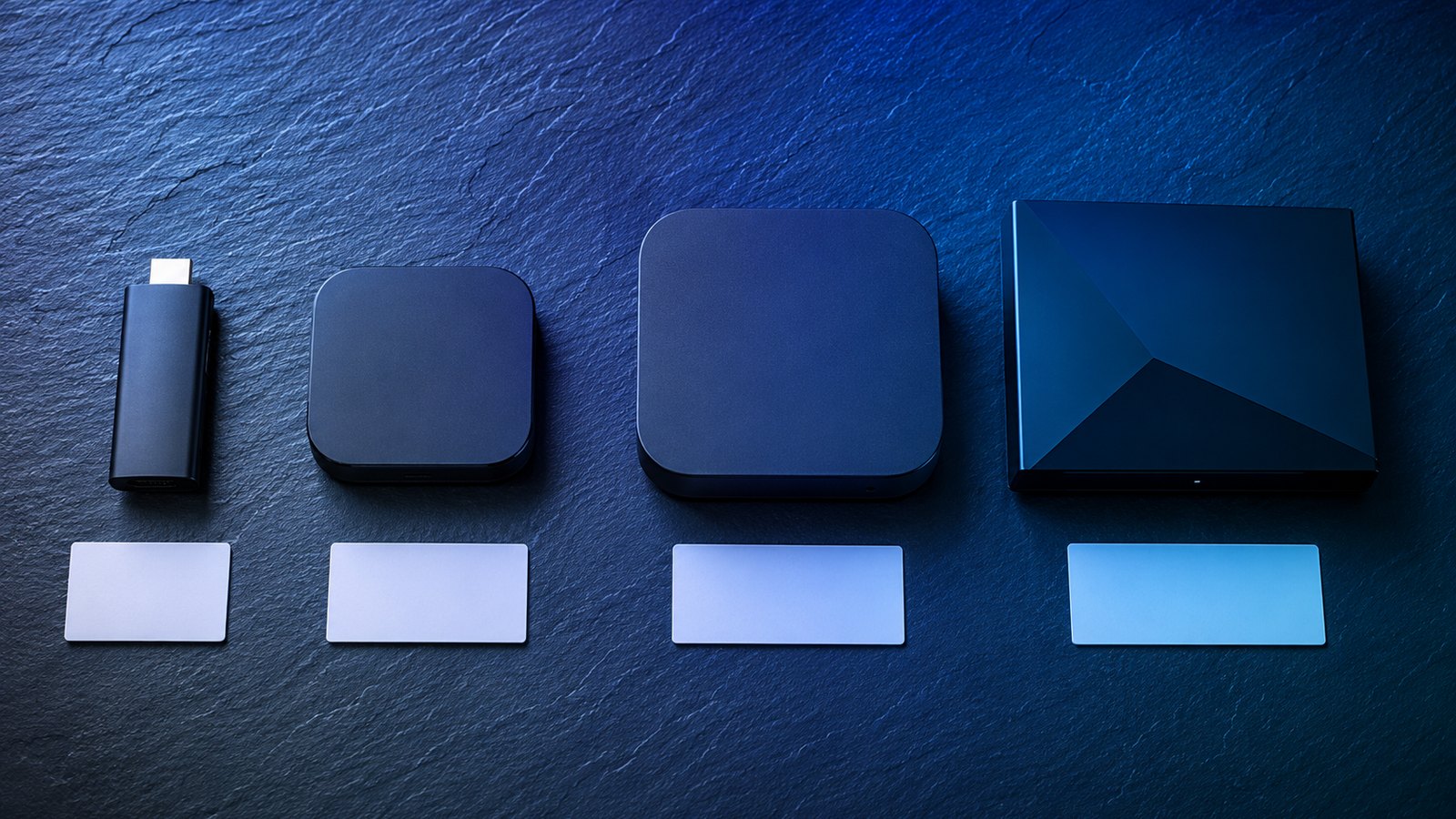
Rather than a single “winner,” here is the honest version: the best box depends on what you are plugging it into and what you want to spend.
| Box | Rough price | Best for |
|---|---|---|
| NVIDIA Shield TV Pro | $200 | Best overall — power users who want the smoothest 4K and AI upscaling |
| Fire TV Stick 4K Max | $60 | Best for most people — cheap, fast, runs everything |
| Onn 4K Pro (Google TV) | $50 | Best value — Ethernet, 4K and a remote finder for the price of a Max |
| Fire TV Stick 4K | $40 | Best budget stick — 90% of the Max for less |
| Formuler Z11 Pro Max | $180 | Best for dedicated IPTV users who want a purpose-built box |
NVIDIA Shield TV Pro — best overall
Years after launch it is still the box to beat. 3GB of RAM, a genuinely fast processor, Ethernet, and AI upscaling that makes lower-resolution channels look noticeably sharper on a big 4K screen. It runs every player app without a hint of lag and it will still be capable in five years. The only knock is the price: at $200 it costs more than a month of most people’s old cable bill, and a $60 stick covers the same job for casual viewers.
Fire TV Stick 4K Max — best for most people
This is the box we point most customers to. It is fast, it handles 4K and HEVC without breaking a sweat, it runs IPTV Smarters and TiviMate perfectly, and it costs about $60. Wi-Fi 6 support helps on a good router. It is not the most powerful device here, but for the overwhelming majority of viewers the difference is invisible, and the price makes it an easy first buy.
Onn 4K Pro — best value
Walmart’s own Google TV box is the quiet bargain of 2026. For around $50 you get 4K, an Ethernet port (rare at this price), hands-free voice, a remote finder and enough power to run any player smoothly. If you want a proper box rather than a stick without paying Shield money, this is it.
Fire TV Stick 4K — best budget
The standard 4K stick does almost everything the Max does for around $40. On most TVs and most connections you will not see the difference. If money is tight, start here and spend the saving on a longer subscription.
Formuler Z11 Pro Max — best purpose-built
Formuler boxes are built by and for the IPTV crowd, with a slick interface and a remote with a dedicated app button. If IPTV is the main thing you do and you want hardware designed around it, the Z11 is excellent. For everyone else, a Firestick does the same core job for a third of the price.
Already own a Smart TV, Firestick or Android box? Then you may not need to buy anything at all. StrimoIPTV runs on hardware you already have — Samsung and LG Smart TVs, any Firestick, Android phones and boxes, iPhone and iPad. Try it on what you own first; only buy a box if you actually want a better experience.
Stick or Box: Which Do You Actually Need?
The first fork in the road is not which brand — it is stick or box. They do the same job in different bodies, and one suits you more than the other.
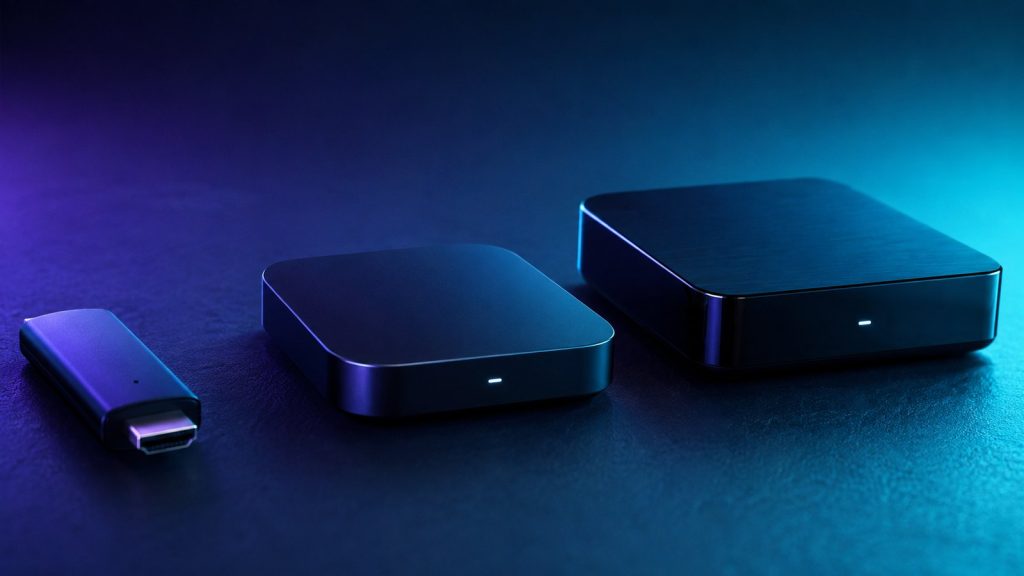
A streaming stick plugs straight into an HDMI port and hides behind the TV. It is cheap, tidy, and perfect for a bedroom or a second set. The trade-offs: most sticks are Wi-Fi only, they carry less RAM, and they can run warm during long 4K sessions. For the majority of viewers on a decent connection, none of that is a problem.
A set-top box sits on the shelf, usually adds an Ethernet port, more RAM and a cooler-running processor, and handles heavy player apps and big channel lists without slowing down. It costs more and takes up space, but it is the better choice for a main living-room TV, a large 4K screen, or anyone who keeps a huge favourites list and a full EPG loaded.
The honest rule: stick for a secondary TV or a tight budget, box for the main screen you watch most. Plenty of homes run a Shield or Onn on the living-room TV and a cheap 4K stick in the bedroom, all on one subscription.
The Two Specs That Actually Matter
Ignore most of the numbers on the box. For IPTV, two of them decide your daily experience and the rest is noise.
RAM is the one to watch. A player app holding a full guide and thousands of channels is memory-hungry, and it is why 1GB devices stutter when you scroll while 2GB-plus devices stay smooth. If you compare two boxes at the same price, take the one with more RAM every time.
The remote matters more than people expect, because you touch it every single session. A remote with a dedicated app-launch button, volume and power for your TV, and — on some boxes — a finder for when it vanishes into the sofa, quietly improves every evening. It never appears in spec comparisons and you notice it constantly.
The Upgrade That Beats Any Box: Ethernet
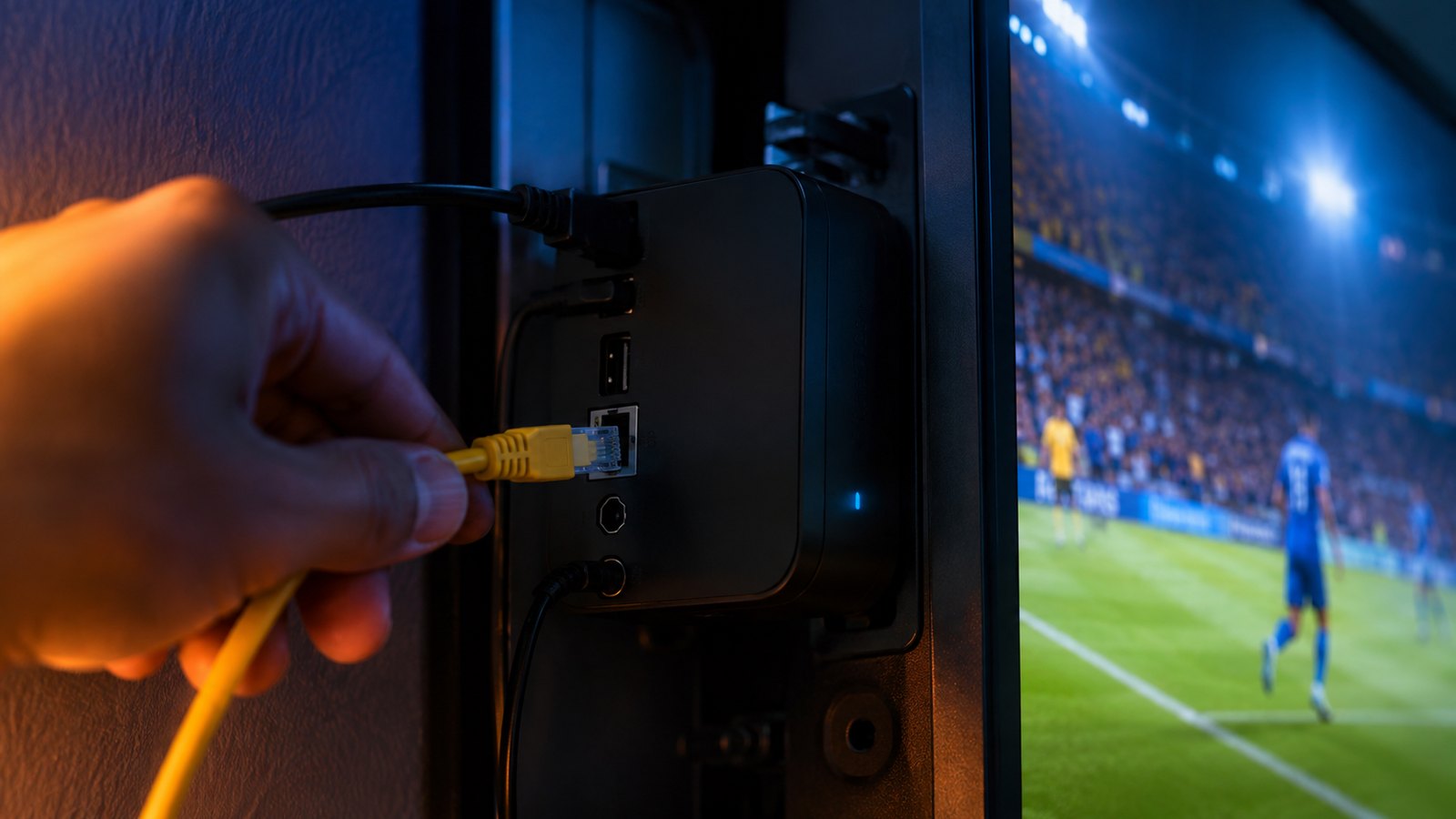
Here is the thing the affiliate lists skip because there is no commission in it: for stream stability, a wired connection matters more than which box you buy. Wi-Fi shares the air with your neighbours, your microwave and every other device in the house, and it degrades through walls. Ethernet does not.
If your router is near the TV, a $5 cable will do more for buffering than spending $150 more on hardware. If it is not, a box with a strong Wi-Fi 6 radio (the Max, the Shield) or a pair of powerline adapters is the next best thing. Get the connection right and even a $40 stick streams 4K without a stutter; get it wrong and a $200 Shield will still freeze.
Boxes to Avoid
Two categories are not worth your money, whatever the listing claims:
- No-name “loaded” Android boxes. The cheap boxes sold as pre-configured for IPTV, often with everything set up in advance, run outdated Android, ship with junk you cannot remove, and sometimes with worse. Buy a clean device from a known brand and install a player yourself — it takes five minutes.
- The closed streaming ecosystem. The popular closed-platform box makes a lovely streaming device for its own apps and a frustrating one for IPTV, because sideloading the player apps you need is a fight it is not designed to lose gracefully. If IPTV matters to you, choose Android TV or Fire OS.
One more habit worth keeping: buy from a seller you can return to. A Firestick from Amazon or an Onn from Walmart comes with a normal returns window and a warranty, so if a unit is faulty you swap it without drama. The grey-market “loaded” boxes offer neither, which is another quiet reason they cost more than they appear to.
Setting Up Any Box for IPTV
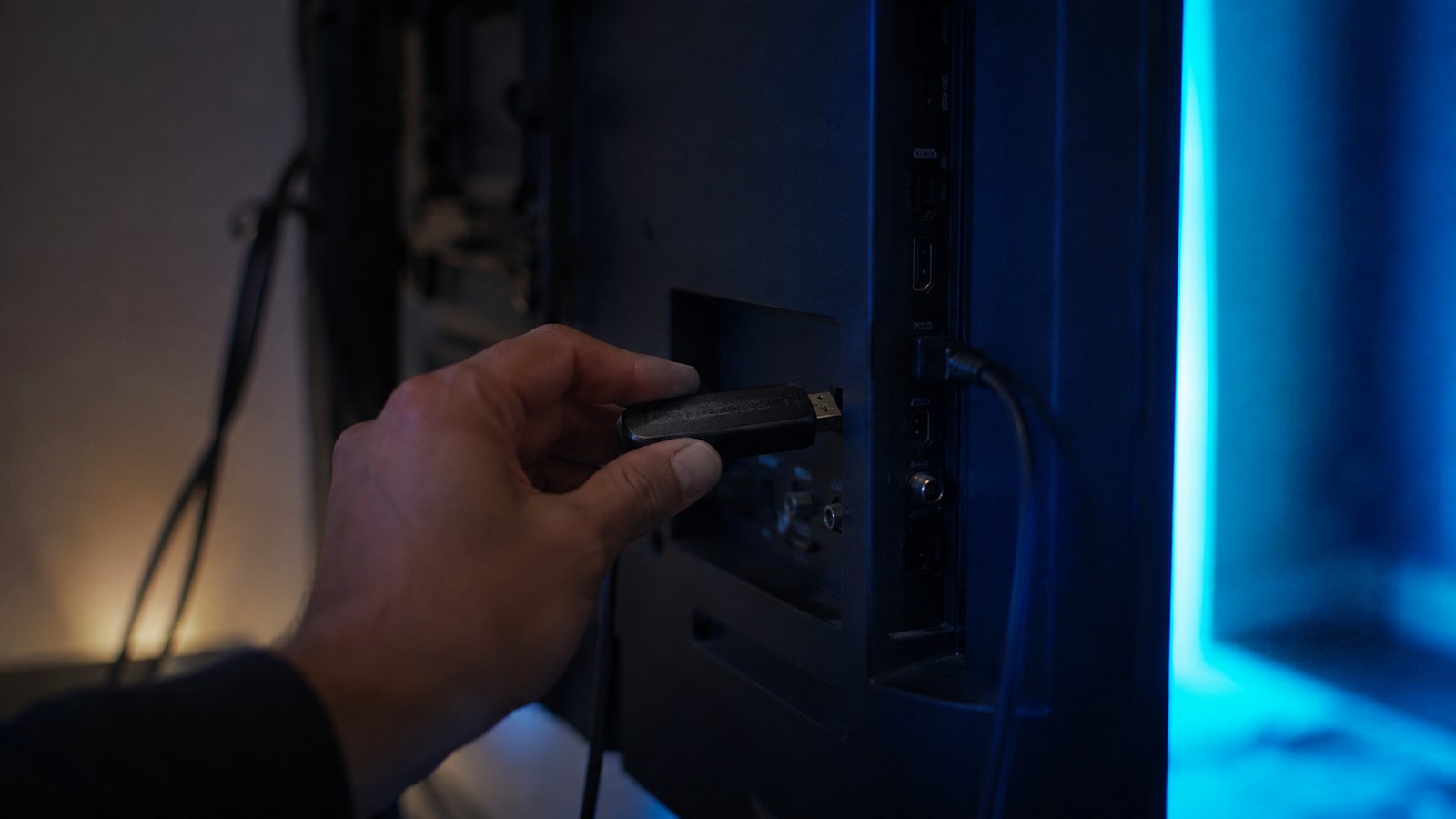
Whatever hardware you land on, the setup is the same short routine:
- Connect it and get online. Plug in Ethernet if you can; otherwise join your fastest Wi-Fi band. Sign into the device’s account.
- Install a player. From the device’s own app store, install IPTV Smarters Pro or TiviMate. On a Firestick you may need to allow apps from unknown sources first — a one-time toggle.
- Log in with your details. Enter the username, password and server URL we send after you order, using the Xtream Codes login. That’s it.
- Run a quick test. Open a 4K channel and let it play for a few minutes. Smooth? You’re done. Buffering? Check the connection before anything else — our installation guide walks through the fixes.
Frequently Asked Questions
What is the best IPTV box in 2026?
The NVIDIA Shield TV Pro is the best overall for power users, but the Fire TV Stick 4K Max is the best choice for most people — it runs every player app, handles 4K, and costs about $60. The Onn 4K Pro is the best value at around $50 with Ethernet built in.
Do I need a special box for IPTV?
No. IPTV runs on hardware you probably already own — a Smart TV, Firestick, Android box, phone or tablet. A dedicated box only improves the experience; it is not required. Try StrimoIPTV on what you have before buying anything.
Is a Firestick good for IPTV?
Yes. The Fire TV Stick 4K and 4K Max are among the most popular IPTV devices because they are cheap, fast enough for 4K, and run every major player app. The Max adds Wi-Fi 6 and a little more speed for about $20 more.
Should I buy a pre-loaded IPTV box?
No. Cheap “loaded” boxes usually run outdated software, come with junk you cannot remove, and can carry security risks. Buy a clean device from a known brand and install a player app yourself — it takes about five minutes.
Wired or Wi-Fi for an IPTV box?
Wired, whenever possible. An Ethernet cable does more for stream stability than a more expensive box. If wiring is not practical, use a box with a strong Wi-Fi 6 radio or a pair of powerline adapters.
How much should I spend on an IPTV box?
Between $40 and $60 covers the great majority of viewers well. Spend up to $200 on a Shield only if you want the best 4K, AI upscaling and future-proofing. Below $40, stick with a known-brand stick rather than a no-name box.
Got the box? Get the channels.
StrimoIPTV runs on any Firestick, Smart TV, Android box or phone — 30,000+ live channels and 140,000+ titles from $4.58 a month. Set up in about five minutes.